
What is a RAR File? A RAR file (short for a Roshal Archive Compressed file) is a compressed file, or data container, that holds one or more other files and folders inside of it. Unlike a normal folder, a RAR file needs special software (more on this below) to open and “extract” out the contents.
It is one of the most popular archive formats (especially for torrent downloads), but, Ubuntu‘s archive manager does not support extracting RAR files nor does it let you create RAR files. It will give you the error “Could not open this file type”
But don’t worry. In order to enable the support to extract RAR files, you need to install UNRAR – which is a freeware by RARLAB. And, to create and manage RAR files, you need to install RAR.
-> Launch the terminal and type in:
sudo apt-get install unrar
To extract the contents of a rar file via the terminal with the help of this command:
unrar x TheRarFileName.rar
Creating & Managing RAR files in Linux
UNRAR won’t let you create RAR files. You need to install the RAR command-line tool to be able to create RAR archives.
You need to type in the following command to install it:
sudo apt-get install rar
To create a RAR file:
rar a NewArchiveName File1 File2 Dir1 Dir2
This will add every item inside the directory to the archive. If you want specific files, give the exact name/path.
By default, the RAR files reside in HOME directory.
You can update/manage the RAR files by using this rar u command:
rar u YourArchiveName Filename
For MAC / Apple Computers:
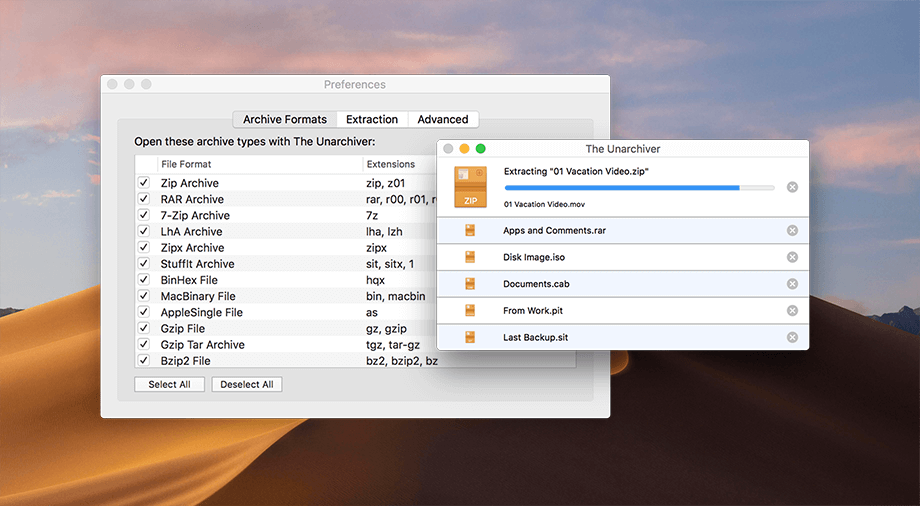
We suggest using the Unarchiver, its free and simple to use, go to:

For Windows Computers:
The best choice is a paid tool called Winrar https://www.rarlab.com
But if you want a free choice, I would use 7zip found here: https://www.7-zip.org


Leave a Reply